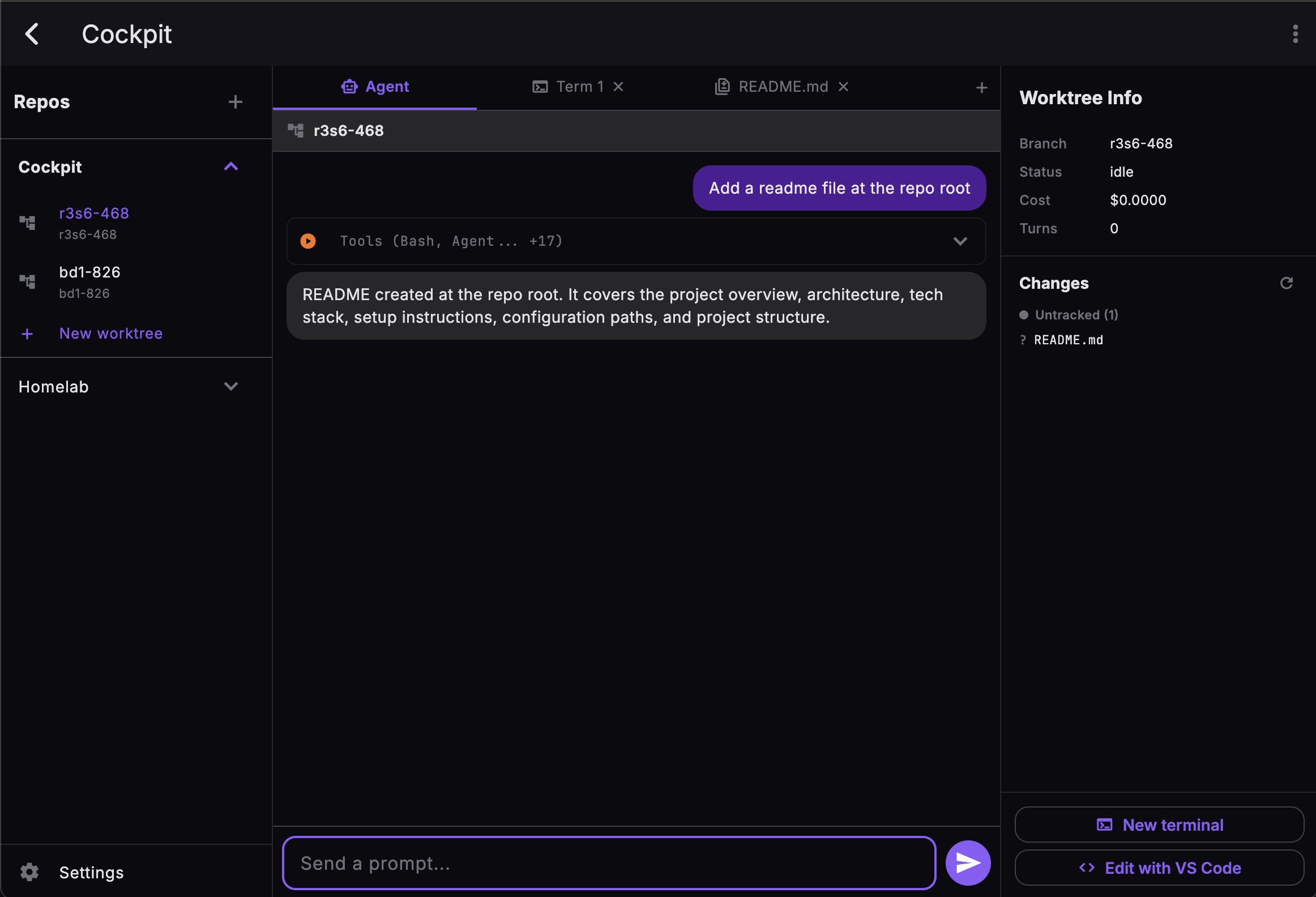
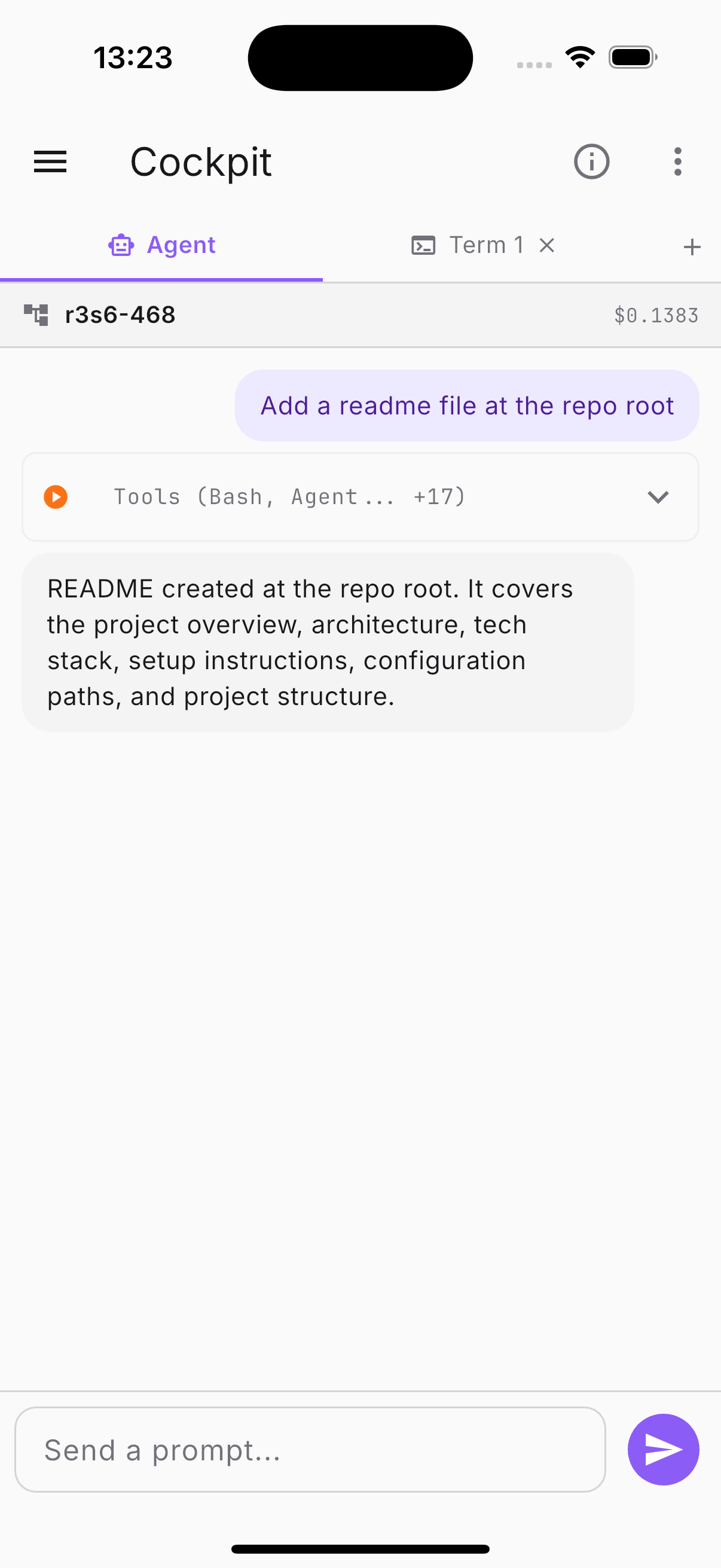
Run powerful AI coding agents on your Mac or cloud server. Control them from your phone, tablet, or any lightweight device.
The problem
Claude Code is resource-hungry. Your MacBook Air heats up, fans spin, battery drains. Offload the heavy lifting to a machine built for it.
Claude Code runs where your terminal is. Step away and you lose control. Cockpit lets you supervise agents from the couch, a cafe, or your commute.
Terminal, IDE, browser, git — juggling windows breaks your focus. One unified interface: chat, terminal, diffs, all in one place.
Architecture
Runs on your Mac Pro, a beefy VM, or any cloud instance. Spawns Claude Code in isolated Git worktrees and manages everything.
Encrypted connection on your local network with auto-discovery. Or through a VPN for remote access. Zero config needed.
iPhone, iPad, Android, browser — control your agents in real-time. Chat, terminal, diffs, VS Code tunnel. Everything streams live.
Demo
Watch Cockpit drive Claude Code agents from a phone.
Get started
Run a single command to download and install the Cockpit server on your machine.
Then run cockpit setup and cockpit serve to start.
Step 2
Install Cockpit on your iPhone or iPad to control your agents from anywhere.
Download on the App StoreFeatures
Watch Claude think, type, and execute tools in real-time. Reconnect and pick up where you left off with backlog replay.
Each task runs in its own Git worktree. No conflicts, easy rollback. Parallel agents, zero interference.
Full PTY terminal with tabs, zoom controls, and virtual keyboard. Run commands, inspect logs, debug — all from your phone.
See exactly what Claude changed, file by file. Color-coded diffs with insertions, deletions, and full context — updated in real-time.
One tap to open your worktree in VS Code via tunnel. Edit code remotely with full IDE capabilities. Start and stop on demand.
Auto-discovery finds your server on the local network. No IP addresses to remember, no ports to configure. It just works.
Cockpit is designed for your local network. No cloud relay, no third-party servers.
End-to-end encryption with auto-generated certificates
Expiring tokens with automatic refresh